
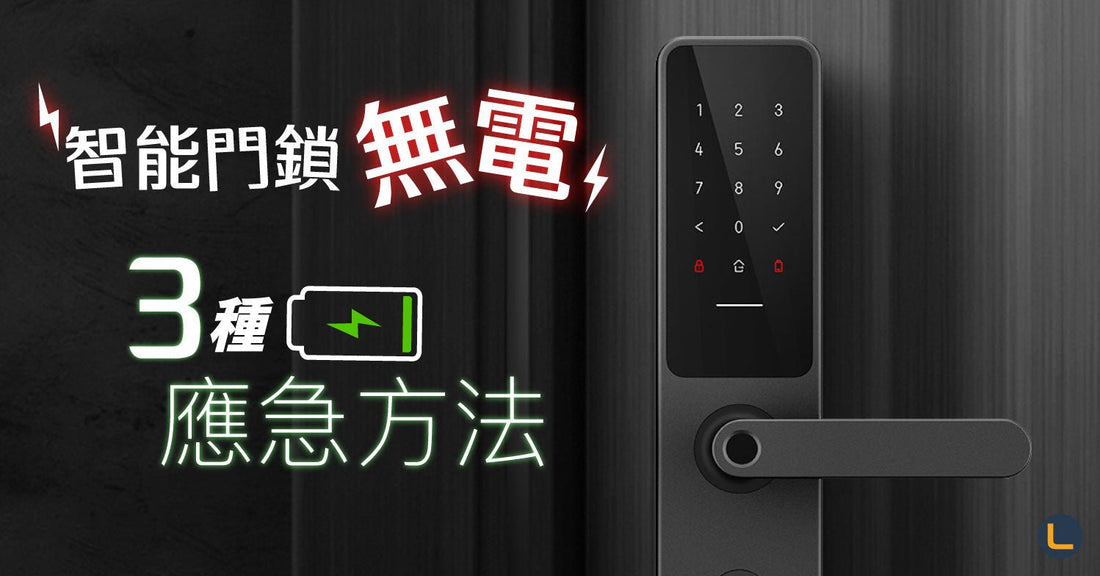
"Smart lock? Once the battery dies, it's not smart at all🤷🏻♀️"
Many people think that once a smart lock runs out of battery, they won't be able to enter their home at all😥 But honestly, how could it be that unintelligent~~
When your smart lock is low on power, it will display a low battery warning🪫 and the connected mobile app will also receive a notification reminding you to change the batteries!📲
If it really does run out of power🪫, there are still three ways to unlock it; take a look at the images~~🔋


FAQ
How do I know if my smart lock is running low on battery?
When the battery is low, the lock itself will provide a low-power warning (such as an alarm or indicator light). If the lock is connected to a mobile app, you will also receive a notification reminding you to change the batteries as soon as possible, so you don't have to wait until it is completely dead to notice.
Can I still open the door if the smart lock is completely out of power?
Yes. Even if it is completely dead, there are still three unlocking methods available, so you won't be locked out. For details, please refer to the image gallery above.
How can I avoid the smart lock suddenly running out of power?
We recommend paying attention to the low battery notifications in the mobile app and changing the batteries promptly once you receive a warning. You can also proactively check the battery level regularly (e.g., every few months) to reduce the risk of a sudden power outage.
